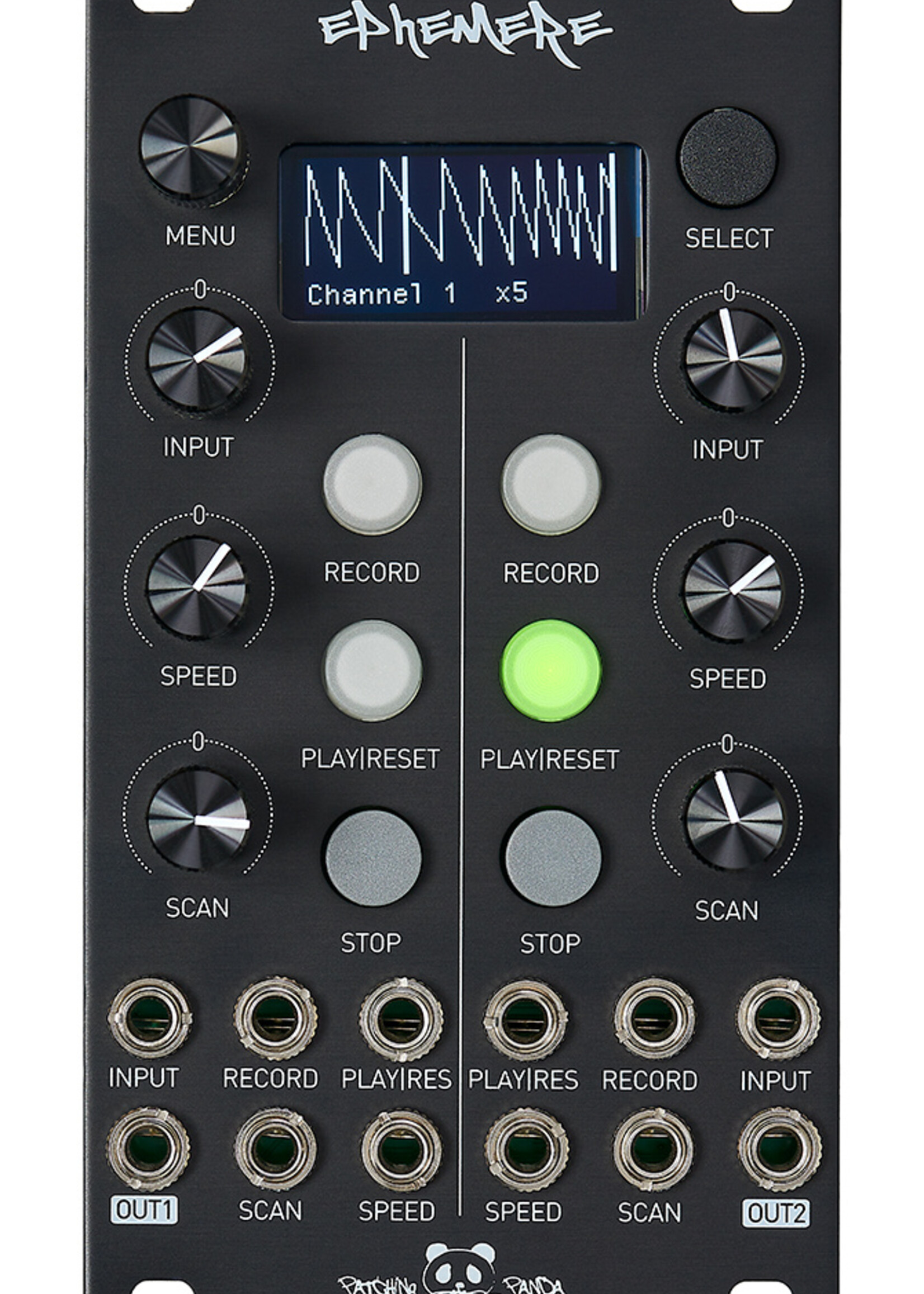
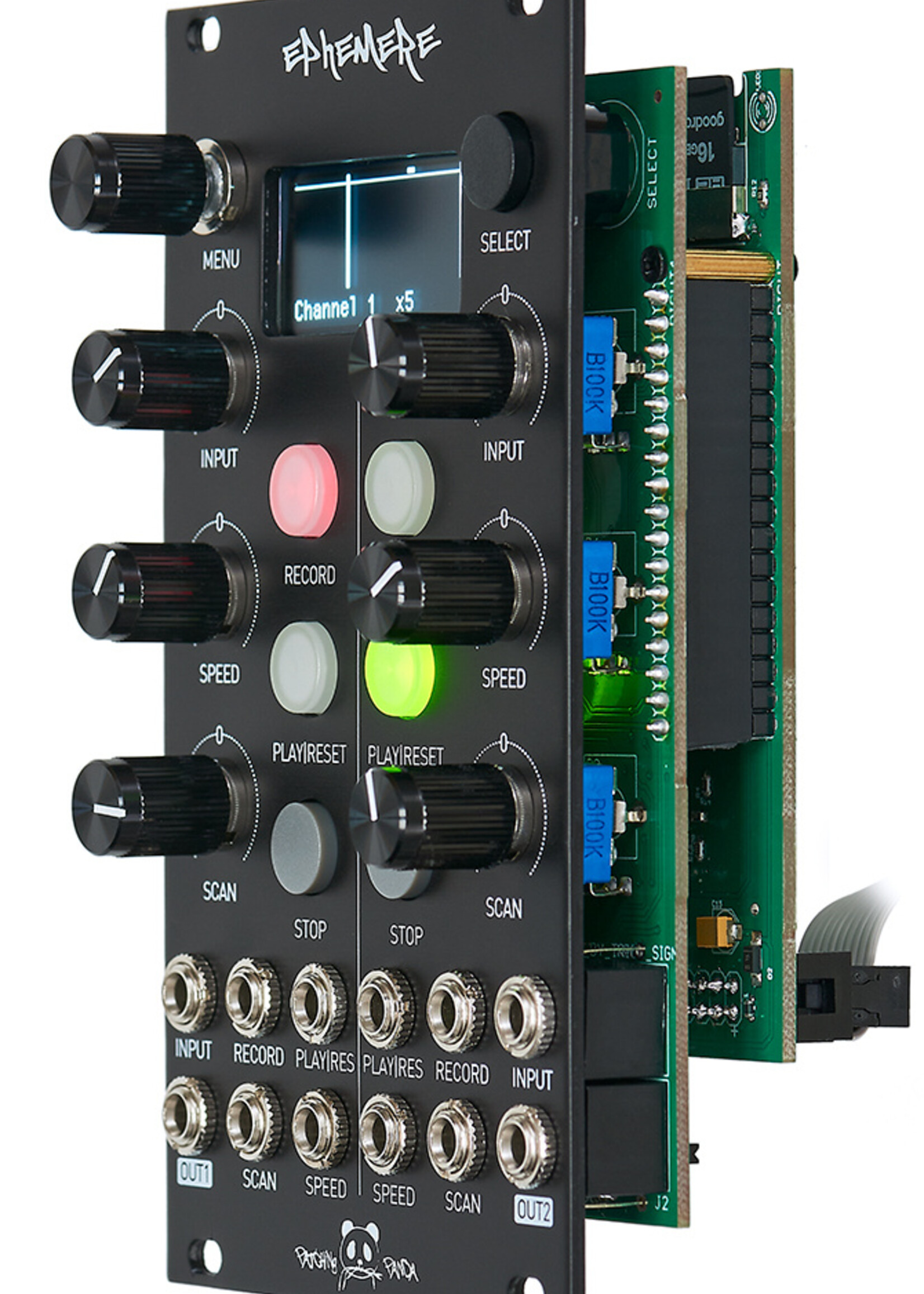
This is a high-resolution dual-channel recording interface for your signals. You can record from 1014sec at 172Hz up to 4 seconds
at 44.1kHz of signal on each channel, change the playback speed also it scan through the recorded CV.
It has an Oled display to monitor your live and recorded signal to adjust playback length.
When nothing is patched to the input you can use the input pot as an offset/cv generator to record pot movements into the module.It´s possible to save, load your signals in the sdCard up to 16GB of space
There are 4 different modes to record to choose from to make more complex signals and 3 different play modes either
2 Channels signal interface recording
Record modes ( manual, sync, manual multi, sync multi, manual mult-G, Sync mult-G)
Play modes ( forward, backward, pendulum)
Quantizer mode to record/play precise notes and Scale menu to change them.
Sample rate from 1014 seconds at 172Hz up to 4 seconds at 44.1kHz, 16bit.Oled display with 2 types of signal monitorinSpeed control /5 to x5
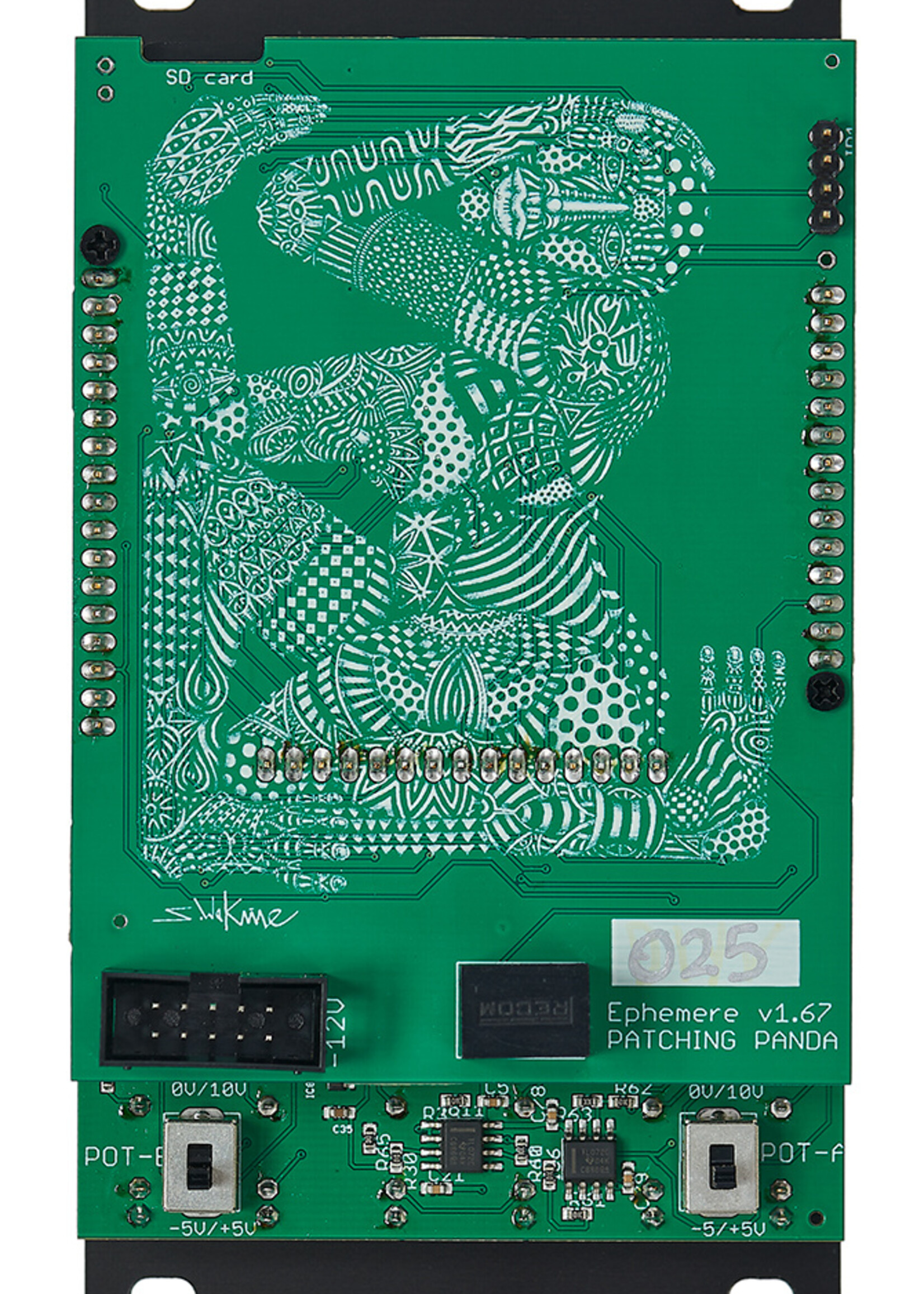
.Signal recording select from the menu -5V/+5V or 0V/10V
Save, Load, erase files from 16GB SDcard
Easy remote updates
CV control from 0V to 10V
14hp Skiff friendly
Manual for firmware V21.99
BETA firmware V21.99
DOWNLOAD HERE THE LATEST FIRMWARE V21.51
Step by step calibrating video tutorial.
11/06/2022 Firmware V21.99
- VCA feature is been developed, when VCA is ON playback signal can be attenuated with input pot or input signal. If you are playingback 0V-10V or -5V/+5V signals make sure offset toggle switch is selecting 0V-10V or -5V/+5V
- Adjust end of the grid in REC Manual mult signals
25/02/2022 Firmware V21.51
- Menu diving has been changed for a better experience. Practical way to choose from different ways of recording, playing signals.
- There is a new menu called “show in menu” by choosing a menu from the list, you will enable 1 specific menu for quick access in the app by pressing select button, this way you can have the most useful setting chosen for the signal you are working on at that moment.
- Pressing encoder in the app switches from Oscilloscope OLED display to Playback OLED display.
- The sample rate from a recorded signal can be changed.
IMPORTANT: Files from previews versions saved in the SD card will not longer be able or be recognised, delete all files from SD card and import new files from updated folder.
27/12/2021 Firmware V19.34
16/11/2021 Firmware V18.95
Now is possible to change Oled displayed channel by pressing any button from the opposite channel.
IMPORTANT: We are working in config files as standard text, files from previews versions saved in the SD card will not longer be able to be recognized for the moment.
Update firmware instructions:
1. Download and unzip the latest firmware from this website to your computer
2. Place all files from the downloaded folder in the SD card except .CAL files if the module is already calibrated
3. Hold down PLAY button from channel 1 and power up Ephemere, REC LED will be on and then will start blinking, release holding PLAY BUTTON.
4. That´s it, you will see latest firmware version after it gets updated.
5. Follow the steps on the manual for calibrating your module.